Tired, Dry Eyes From Screens? The 20-20-20 Rule and Five Other Easy Fixes
We blink far less when we look at a phone or laptop. Eye doctors recommend a simple break rule, a few small changes to your desk, and a yearly eye test.
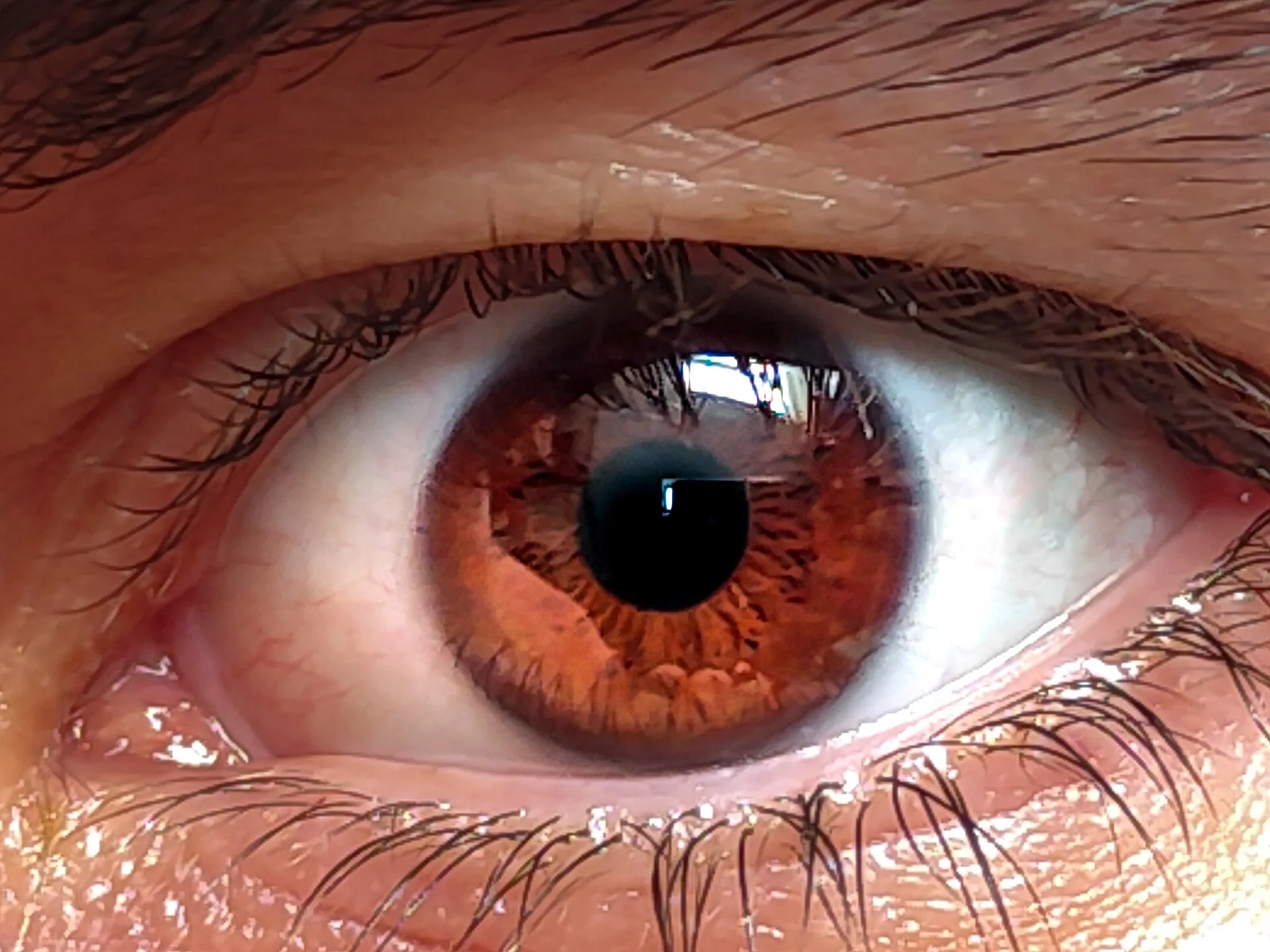
If your eyes feel dry, tired or blurry after a long day with your phone or laptop, you are not alone. Eye doctors call this digital eye strain or computer vision syndrome. It is common, and a few small habits can ease it.
Quick answer
- Use the 20-20-20 rule: every 20 minutes, look at something about 20 feet (6 metres) away for 20 seconds.
- Blink on purpose. We blink much less when we look at screens.
- Keep the screen at arm's length and slightly below eye level.
- Cut glare and match your screen's brightness to the room.
- Have an eye test every year if you use screens a lot.
What does screen strain feel like?
According to the American Optometric Association, the usual signs are eyestrain and headaches, blurred vision, dry eyes, and neck and shoulder pain. The American Academy of Ophthalmology adds aching, stinging or watering eyes.
People who spend two or more hours in a row on a screen each day are most at risk, says the American Optometric Association. Poor lighting, glare on the screen, sitting too close, slouching and an old glasses prescription can all add to the problem. Text on a screen is also often less sharp than print, so your eyes work harder to focus.
Why do screens dry out your eyes?
When you look at a screen, you blink much less. The American Academy of Ophthalmology says blinking can drop to about 5 to 7 times a minute, compared with roughly 15 times a minute normally. Each blink spreads a thin layer of tears over the eye. With fewer blinks, the surface dries out.
Six easy fixes
1. Follow the 20-20-20 rule. The American Optometric Association describes it as a 20-second break to look at something 20 feet away, every 20 minutes. Look out of a window or across the room. Set a quiet timer on your phone if you forget.
2. Take a longer rest too. The same group suggests resting your eyes for 15 minutes after two hours of continuous screen use. Walk to the kitchen, stretch, or look at the sky.
3. Blink often. Make it a habit to blink fully and slowly. One tip from the American Academy of Ophthalmology is to put a sticky note on your monitor as a reminder.
4. Fix the distance and angle. Keep the screen about 20 to 28 inches (50 to 70 cm) from your eyes, which is roughly an arm's length. The top of the screen should be a little below eye level, so your gaze slopes slightly downward.
5. Tame the light. Close blinds or curtains to stop glare from windows, and avoid bright lights shining on the screen. Set the screen's brightness to match the room, so it is not much brighter than its surroundings. A matte screen filter can also cut glare.
6. Look after dry eyes. In a dry or warm room, a humidifier can help. The American Academy of Ophthalmology says artificial tears can ease dryness. If you wear contact lenses, give your eyes a break by wearing glasses sometimes, and never sleep in lenses unless your eye doctor says it is safe.
Do blue-light glasses help?
The American Academy of Ophthalmology says computer glasses, made for the distance of your screen, may help some people. It notes that these are different from glasses sold to block blue light. If your eyes keep hurting, ask an eye doctor what kind of glasses, if any, you need.
When should you see an eye doctor?
- Your eyes are often red, blurry or watery.
- Your eyes become sensitive to light or painful.
- Blurred distance vision stays after you stop screen work.
The American Optometric Association also recommends a full eye exam every year for people who use computers regularly. A small change in your prescription can make screen work much harder.
A simple routine for work or study
- Put your screen at arm's length, a little below eye level.
- Start a 20-minute repeating timer.
- When it rings, look far away for 20 seconds and blink a few times.
- After two hours, take a proper 15-minute break away from the screen.
This article is general information, not medical advice. If you have eye pain, sudden vision changes or other worrying signs, see a doctor.
Related reading
Sources
This article draws on the following reporting. Dates are when each source was originally published.
- American Optometric Association: Computer vision syndrome
- American Academy of Ophthalmology: Computer usage and your eyes
Written by
Stories, explainers and features published by The Daily, based on public sources that are listed with every article.
More from The Daily →Enjoyed this story?
Get the best of The Daily in your inbox every Sunday.